DIY Moonlander trackball, and hiring another developer
The Ergo

Hi *|FNAME|*,

This month I learned how to tie my shoes. I know; other newsletters tell you all about the latest in AI or politics or whatever, but I can tie my shoelaces. To be fair, I could do it before, too — but this is a better way. It's so good I've updated my ZSA Loves: Knots post from August with this bonus sixth knot.

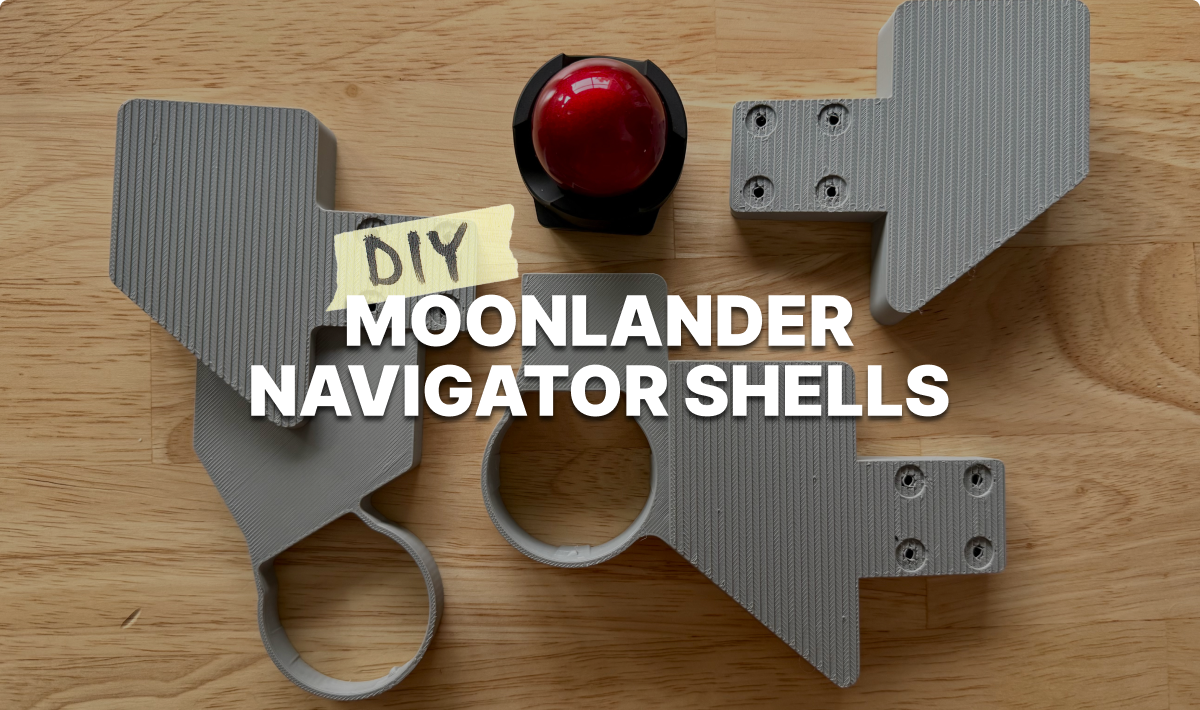
In more keyboard-related news, below you will find quite a packed issue this month. We have a new official Printable from Robin that lets you easily clip the Navigator trackball onto your Moonlander (the Navigator works with the Moonlander in Oryx), a post from Jo testing out a DIY silicone wrist rest for the Moonlander, and finally, a Layout Buffet post from Robin all about backlighting.

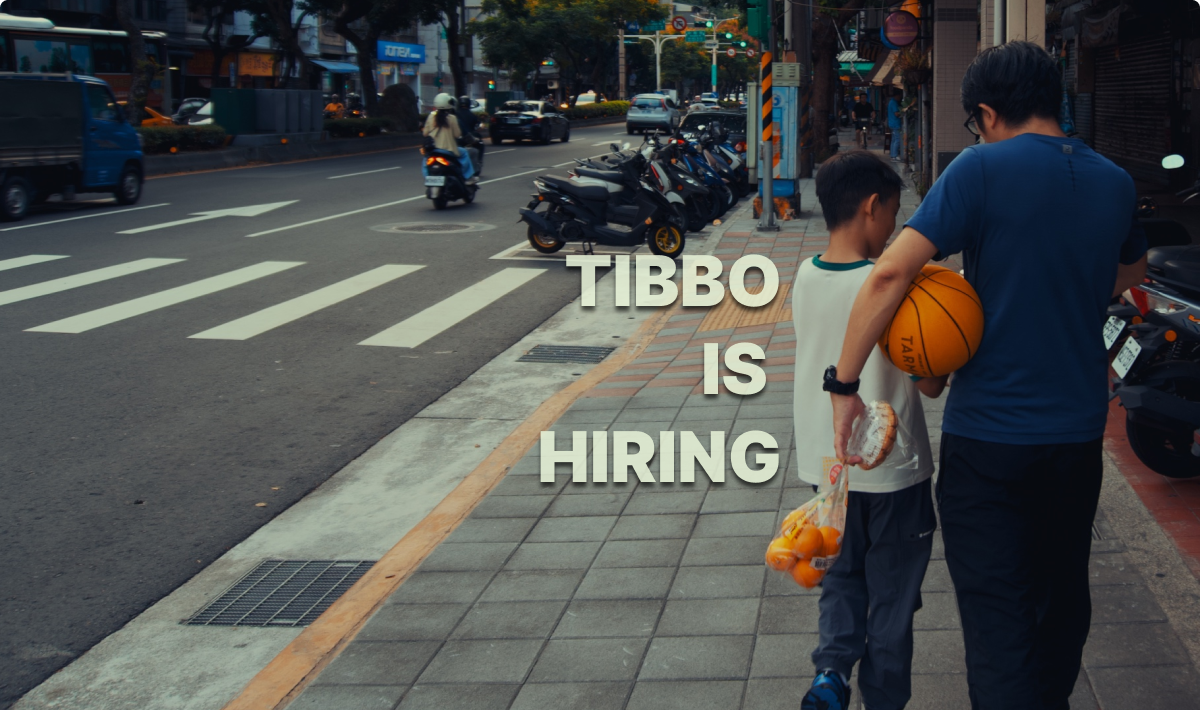
Last month we were hiring for a remote position, and I think we found someone great. This month I'm here to share an on-site position in Taiwan — more details below.

Here are the results from last month's typ.ing daily challenge:

  • #1: Kyrozen, with 120wpm at 95% accuracy across 30 challenges.
  • #2: molentum, with 96wpm and 96% accuracy across 28 challenges.
  • #3: JosefBud, with 108wpm and an astounding 99% accuracy, but with "only" 25 daily challenges completed.

JosefBud, if you're reading this, you could totally win the leaderboard next month if you do every daily challenge. That said, all three leaders are faster and more accurate typists than I am, so hats off to you.

Would it be cool to do a real-time "race" on typ.ing, recorded on Zoom and then uploaded to our YouTube? Would anyone like to do that? Email me if you're interested in the idea.

As always, thank you for reading, and may your shoelaces never fall open at the wrong time.

All the best,
Erez
Tibbo is hiring

Tibbo is hiring

A great role in a great city

Are you a hardware engineer who's good with Altium/Circuit Studio and a soldering iron? Are you already in Taiwan, or would you like to try living there? Or are you none of those things at all, but just want to see photos from my recent visit to Taipei? Either way this post has something for you.

Tibbo is hiring
 
DIY Navigator Moonlander Shells

DIY Navigator Moonlander Shells

Use the Navigator with your Moonlander

In this post you'll find two different (and awesome) Navigator shells for the Moonlander, both designed by Robin. One puts the trackball by your palm and thumb, and the other puts it closer to your index finger. Both tent your Moonlander at a comfortable angle, so there's also a piece for tenting the other side at the same angle. These require no magnets, and the files are entirely free for you to print out or order from a 3d printing service. If you use these, will you send me a photo?

DIY Navigator Moonlander Shells
 
DIY Moonlander Wrist Rest Pad

DIY Moonlander Wrist Rest Pad

Silicone casting for dummies

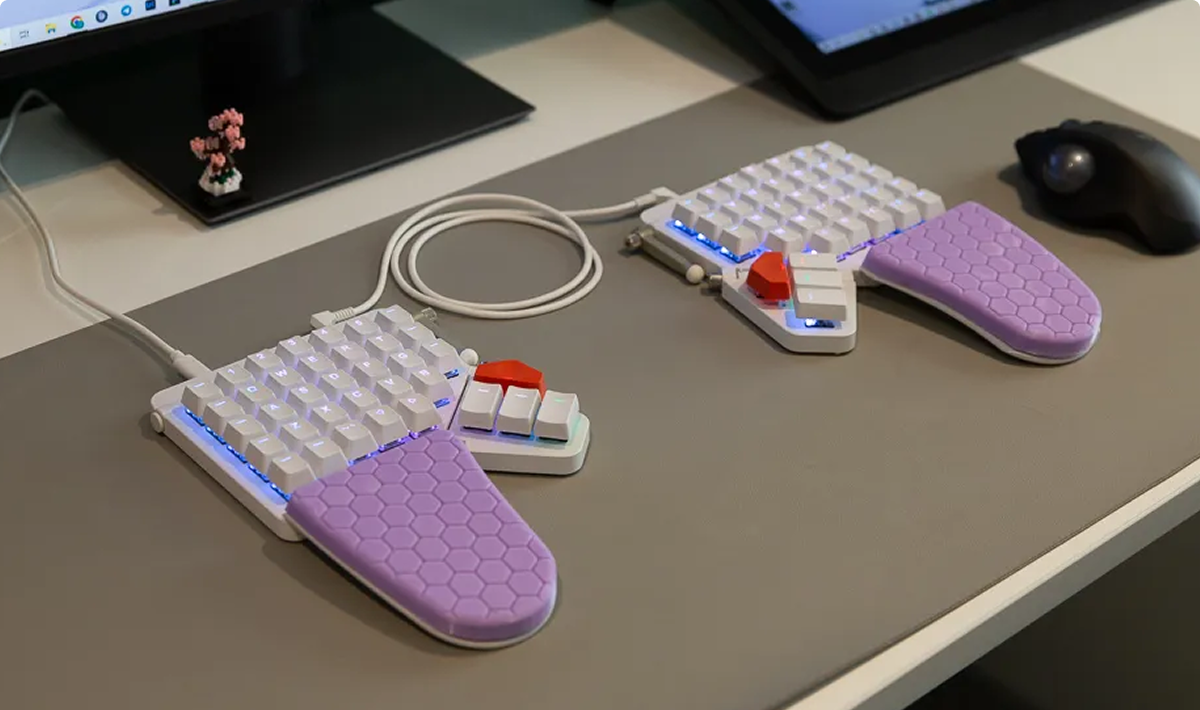
In this brave foray into the world of DIY silicone casting, Jo tries out a printable from Moonlander user Kirill. The printable doesn't go on the keyboard: Instead, it's a mold you cast silicone into. You then pop your creation out and place it on your Moonalnder's wrist rests for a softer feel. It looks great, too. My favorite thing about this post is how simple Jo made it — she doesn't use any fancy gear, making the project beginner friendly.

DIY Moonlander Wrist Rest Pad
 
Layout Buffet: Backlighting

Layout Buffet: Backlighting

The lights on your keyboard can do more than just look nice

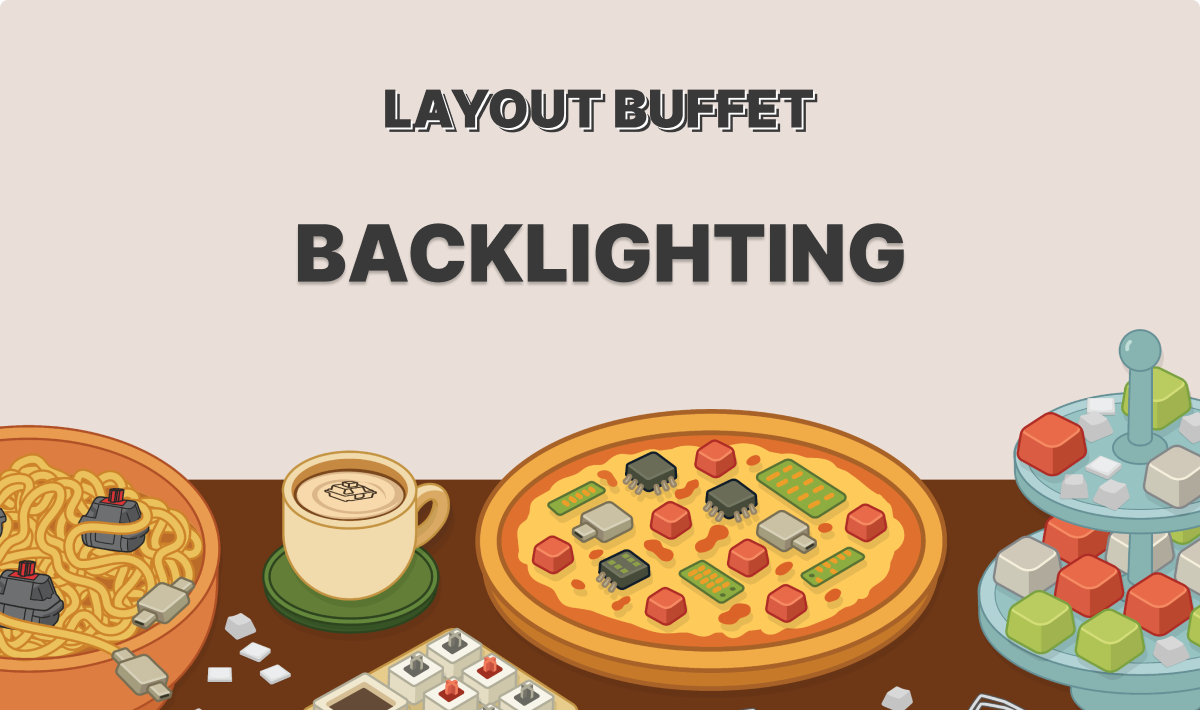
In this latest Layout Buffet post, Robin offers a great overview of what the lights on your keyboard can do. We start from how to turn the lighting off (important!) but then continue through a deep dive showing assigning colors to keys, animating certain layers, using custom lighting, layer and key indicators, and more. You could get a lot out of this one if you haven't adjusted the LEDs on your ZSA keyboard yet.

Layout Buffet: Backlighting
 

Featured User Interview

Accel Maeshiro

Backend Developer
I enjoyed Accel's workstation photos. So clean. Also got to see a few glances of Peru in this interview, which looks gorgeous.
"I constantly try each day to keep my phone and distracting content from winning over myself."
 
Layout of the month

b (yes, just that one letter)

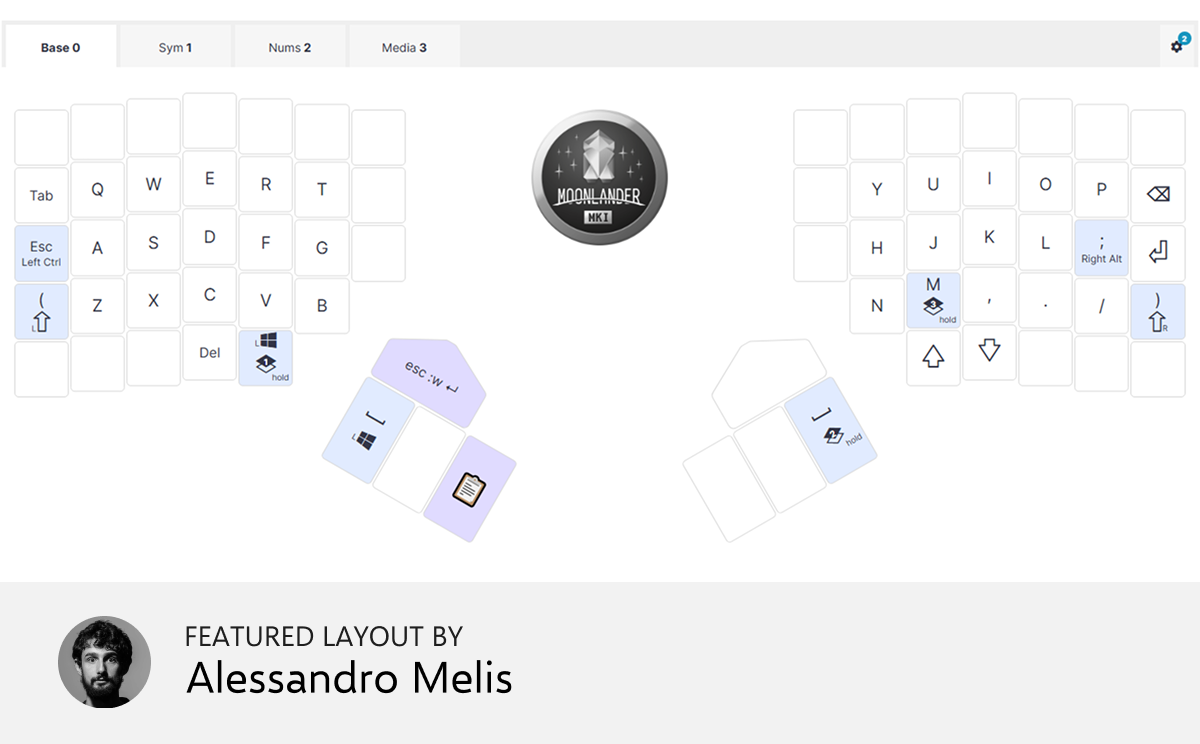
This is my attempt at having a low travelling distance layout. The idea is to have each finger moving at most one key in any direction. I like the current state and I took some liberties on the left-thumb cluster. The end goal is to fully remove the dependency on the outermost left/right columns.


Things we liked

ZSA Layout Leaderboard

This is a fun open-source community project, not affiliated with us in any way. It tries to track the popularity of Oryx layouts for the Voyager, Moonlander, and ErgoDox EZ. The layouts are embedded right in the page for you to check out. It's small (for now) but promising.

 
Systemic Moderation for Sustainable Good Habits

This is a longstanding project by Reinhard Engels, a software developer with a penchant for self-improvement. I’ve been tracking this one for twenty years now (!) and it’s still alive and kicking. Offers thought-provoking and hype-free ideas around diet, fitness, and other life challenges. Famous for the “No S” diet, and worth a read. There’s also a podcast. A refreshing tone in the hype-filled world of self help and wellness.

 
"What is your favorite meme?"

I became aware of the massive world of “conversation cards” when we were first working on ZSA Cards. These are often physical cards. You pull one out and use the prompt to spark a conversation. You can do this with ZSA Cards, too (often with more interesting or funny results), but another option is to simply use this free website. Lots and lots of these here; you could just pick two or three for the week, memorize them, then ask new people at random times to see how it goes.

 
For lovers of abstract strategy games

This link leads to a list of over 1,400 abstract strategy board games, all of which you can play in your browser, right now, for free without even having to register. All of the games I tried featured an AI to play against, so you can get a feel for the game right away. You can filter by period (Ancient, Medieval, or Modern games), by region, or by category. I’m blown away by the depth and quality of this project.

 
A visual benchmark

Whatever your views about generative AI, I feel it is good to know what’s going on. This is an interesting visual benchmark comparing several different text-to-image models across different prompts. You can see the output of each model and form your own opinions, but is does also give each model a pass/fail score on basic compliance with the prompt. There’s also an image editing benchmark on the same site to test the models’ ability to make specific changes to images. Quite interesting.

 
Tip: We have a subscriber-only link archive with all of the links we shared over the years. Just for you. ❤️
contentText buttonText buttonCTASrc
Get wallpaper

Wallpaper of the month

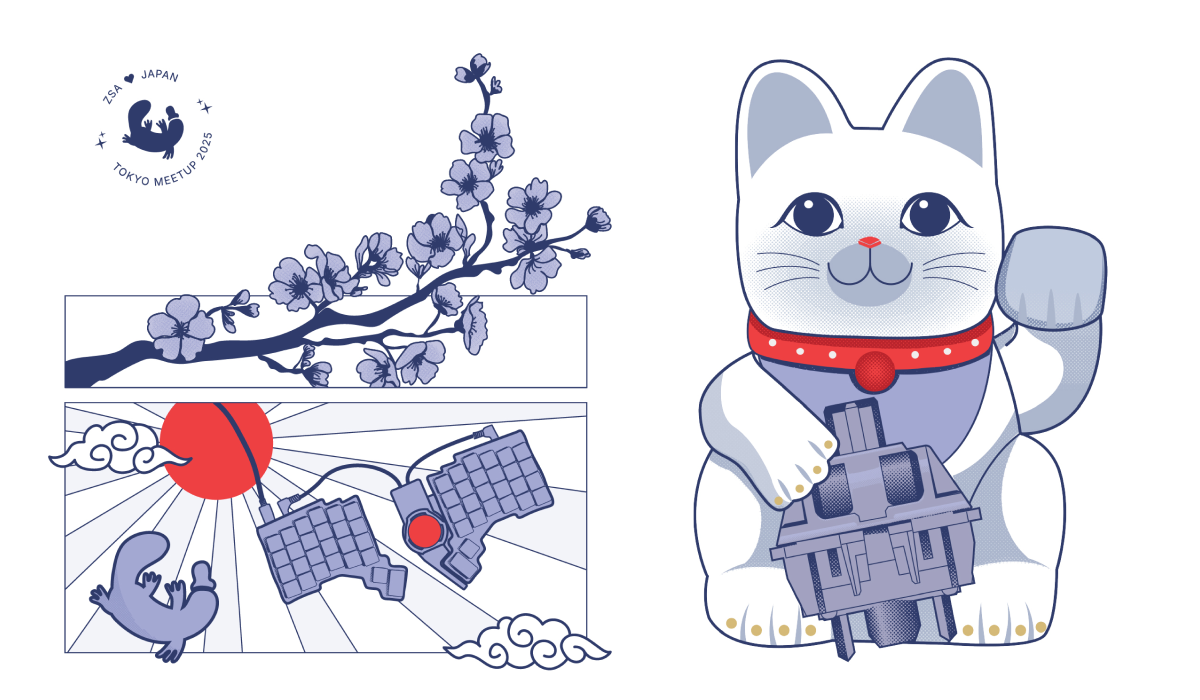
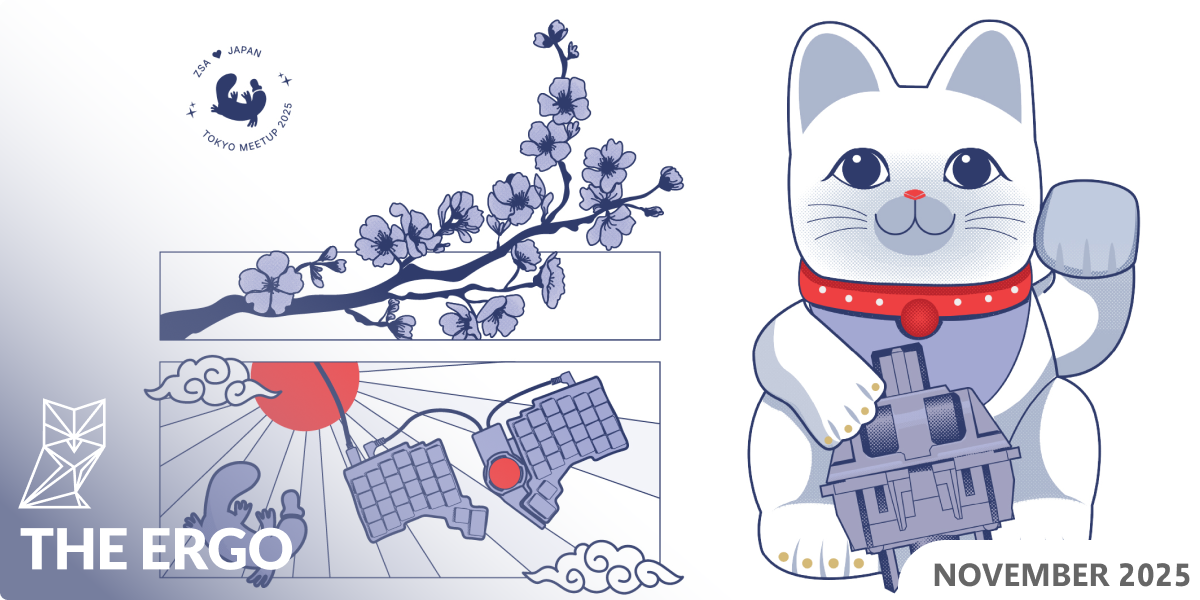
This is a design that Jo created for the t-shirts we wore for the Japan meetup. I love it so much, and it got a great reception at the meetup too.

Thank you for reading!

Thank you for reading!

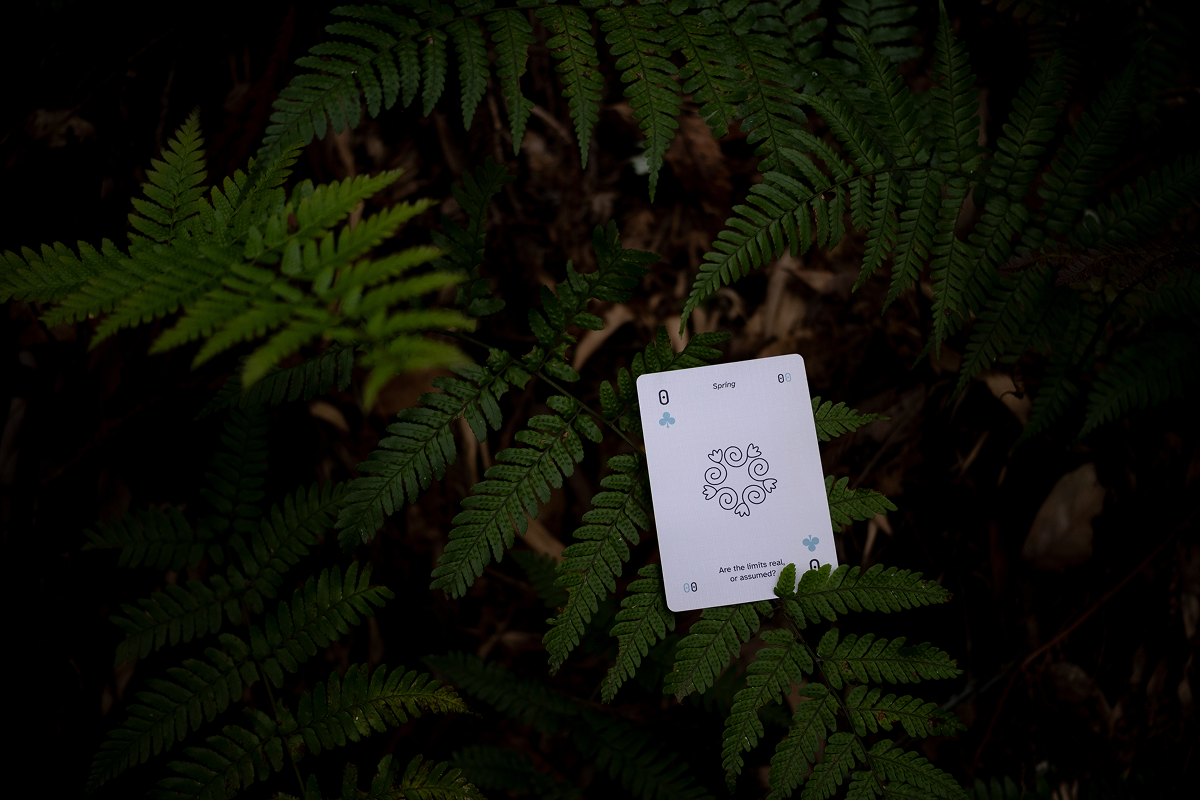
Art by Jo Williams, showing a ZSA Card in Arashiyama Bamboo Forest, Kyoto

© , ZSA Technology Labs Inc.
250 University Avenue, Suite #200, Toronto, ON, M5H 3E5