Tetris, Lumines, and a big, snowy keycap
The Ergo

Hi *|FNAME|*,

December already, whew. Back in October my kid asked me, "do you realize the year is almost over?" — when actually, I didn't. I was still in an August kind of mood. But yeah, that's it, in just a few days we ring in 2026.

Lots to be grateful for this year. I am unbelievably lucky to have a team of talented and caring people working with me at ZSA. I'm also grateful for having customers who are lovely people, and who sometimes even take the time to reply to the newsletter or just email us nice things. And finally, two other little things I'm grateful for: The ErgoDox EZ is the Wirecutter's Upgrade Pick for best ergonomic keyboard of 2025, and the Voyager is Engadget's best split ergonomic keyboard for the year. Two different ZSA boards on two respected lists, that's a fun milestone.

On to the typ.ing Daily Challenge leaderboard for last month, with a new name at the top!

  • #1: Warren Sulcs, at 122wpm and 96% accuracy across 30 daily challenges.
  • #2: y6oxz43p, 107wpm but 98% accuracy, also across 30 daily challenges.
  • #3: YaLTeR, 99wpm, but also 99% accuracy (!) across 30 daily challenges.

Joel's interview is so interesting — different audio setups for winter and summer! And from the tools and sites I shared below, my favorite one is probably Dithering Explained. I felt I learned something new without even really trying. There's also a fun ZSA Loves post, which gets its own dedicated block further down since it's Mike's first ever post to the blog. :)

And that does it for this intro, and for this year. I hope you and your loved ones are safe and having a calm wrap-up for the year. Thank you, again, for being here and for reading.

Love,
Erez
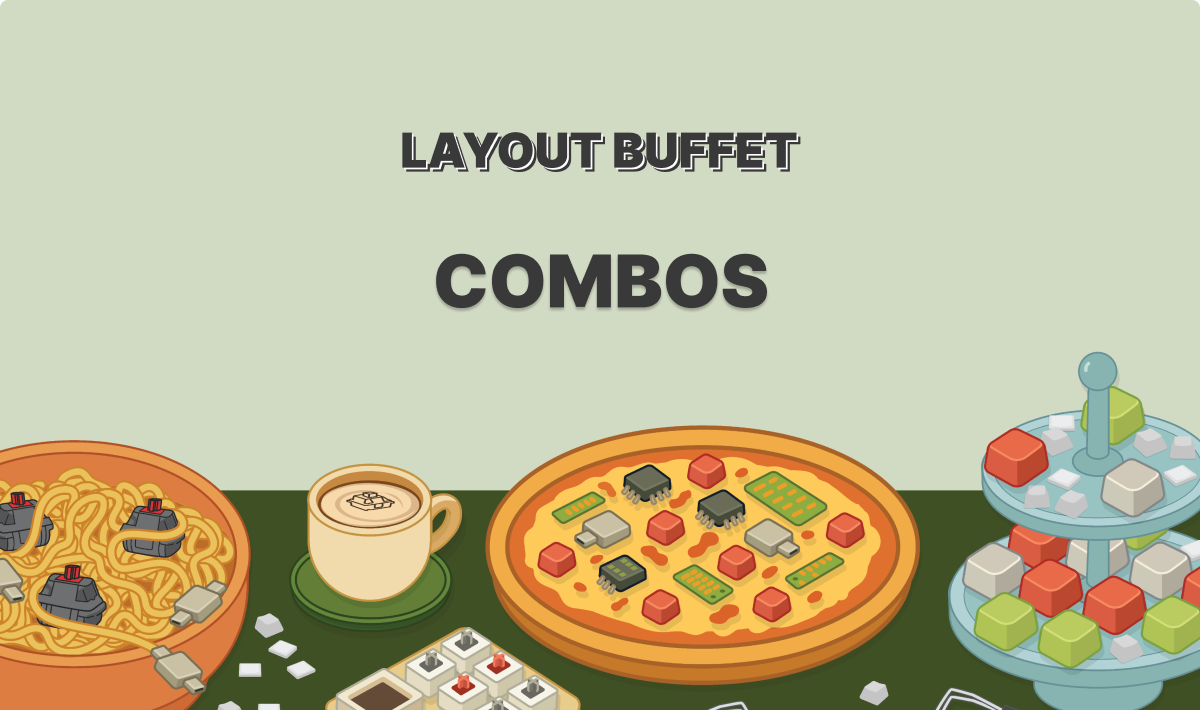
Layout Buffet - Combos

Layout Buffet - Combos

A practical guide to trying out combos in Oryx

Combos are one of those features you probably need to try on your own board to really "get". They sound a bit daunting if you haven't played with them — press two, or three, or five keys to do one thing. In this post, Robin demystifies the concept and offers some simple practical tips to get started.

Layout Buffet - Combos
 
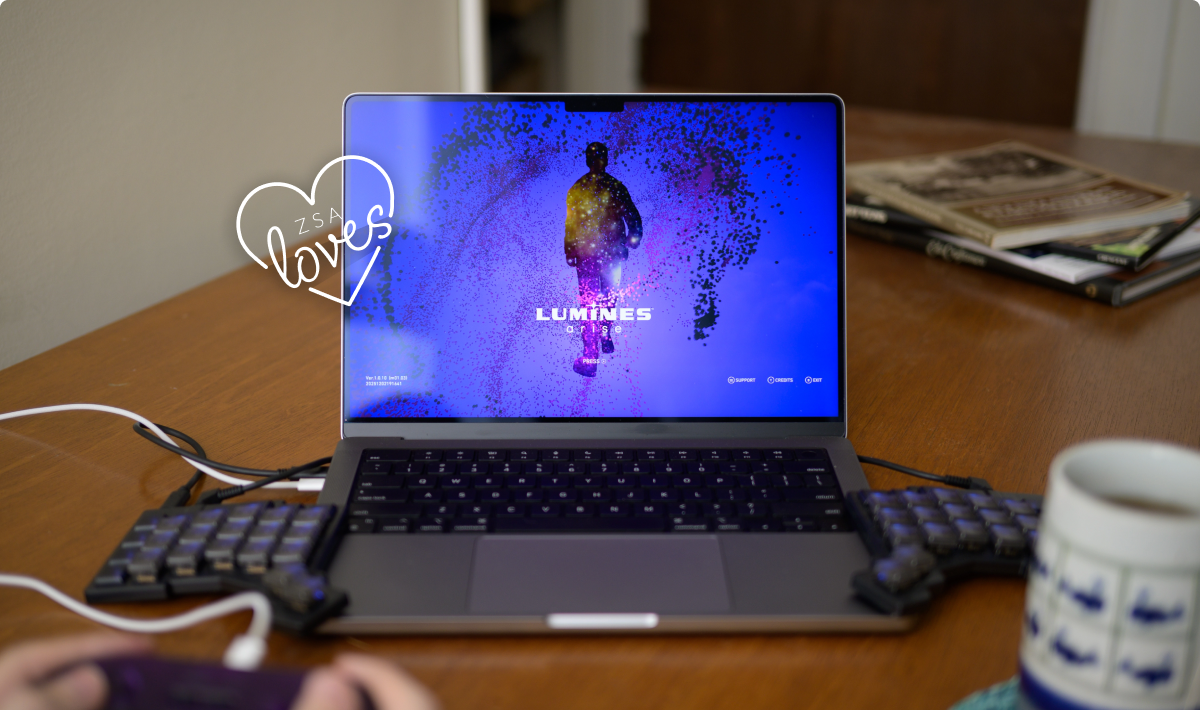
ZSA Loves: Lumines

ZSA Loves: Lumines

Dropping blocks to the beat

In Mike's first-ever blog post on our company blog, he celebrates a game that takes him to a special places: Lumines. It's a bit like Tetris mixed with a rhythm game. A new version just came out and the visuals look awesome, but I was most interested in reading about Mike's subjective experience as he plays this game. It looks designed to get you "in the zone" and sounds quite fun.

ZSA Loves: Lumines
 

Featured User Interview

Joel Wilcox

Technical Editor and UX Specialist
Joel's hardware and networking setup is intense and well researched. He uses a Moonlander along with a Navigator trackball, set up with our official 3D-printable mount. His board also has cool typewriter-style keycaps. Other than keyboard stuff, you'll find lots of audio and software recommendations here.
"Although a former manager accurately described my career track as “bizarre,” I’ve finally settled in as a technical editor and UX specialist. I got here via a convoluted path: immunology research assistant, copywriter, fisheries observer, oil spill remediation, academic publishing editor, technical writer, then training and development QA, punctuated by three halves of a Master’s Degree in Technical Communication."
 
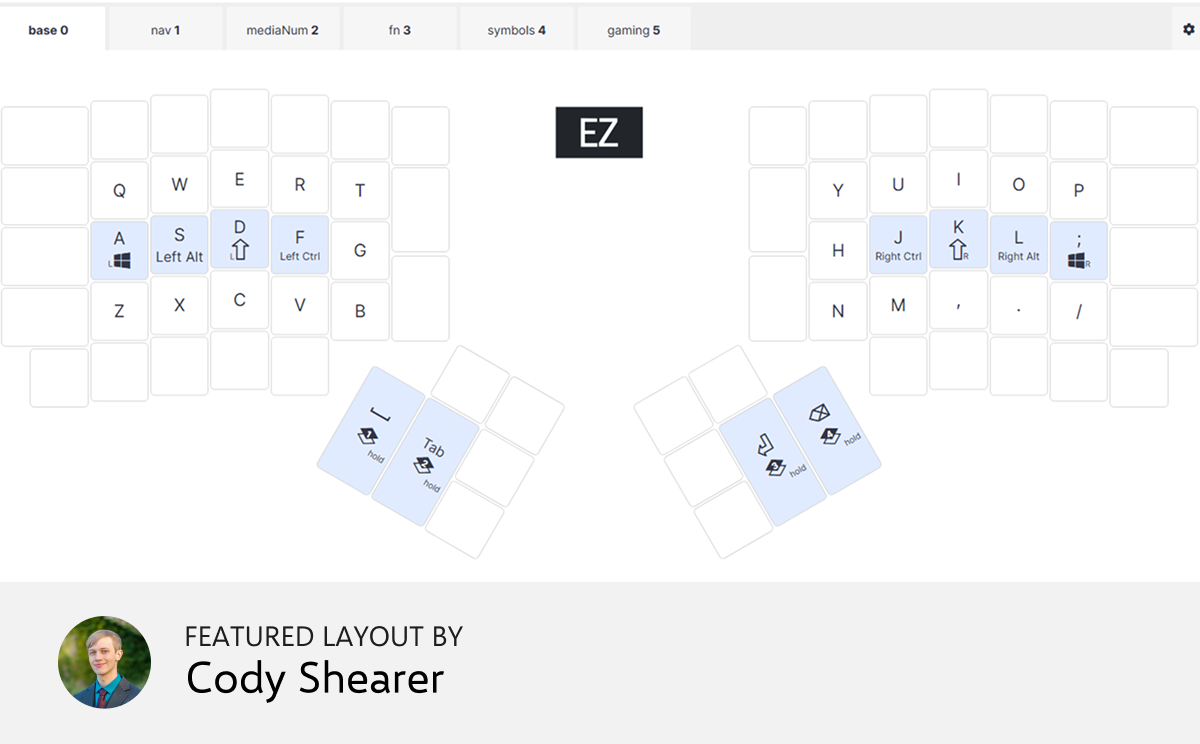
Layout of the month

cweep

My initial motivation for this layout was to reduce the number of keys I use (in preparation for my work-in-progress custom keyboard), but I have since found that it is a very comfortable and efficient layout to use for both programming and gaming.


Things we liked

Excellent browser Tetris clone

Continuing the Lumines theme, it’s been a while since I came across such a good browser-based game. It’s single or multiplayer, and you can customize the controls to your liking. If you prefer a local game, they also have Windows, Mac, and Linux versions of the game. Apparently it’s been around since 2019 and has been played by almost ten million people — it’s just new to me.

 
Relocation Assistant

If you’ve been thinking about trying out a new country, this is an interesting tool to play with. You put in your current location and your desired location, your income, your family situation, your hobbies and other preferences. It then crunches everything and shows an error message. Sometimes two errors in a row. But eventually when it does work, it shows a bunch of interesting metrics around the move you’re considering. It’s a good starting point.

 
A real-time journey onboard the International Space Station

This is a running interactive log of events from the ISS, every day since November 2nd, 2000 when Expedition 1 came on board. There’s a visual showing the orbital position of the station, but also full comms recordings and transcripts. Lots of images. You can filter the log for days with videos and photos, filter by expedition or specific crew member, or browse certain key moments. It’s not all here (for example, Sept 11 2001 is there with photos, but no comms audio) but it is still fascinating to browse through and read.

 
from Microsoft

I’ve been immersed in Apple’s ecosystem for a few years now, but deep down inside, I’m still a Microsoft fanboy. This open-source Python tool from Microsoft can be used to convert files and office documents to Markdown. You can throw PDFs, PowerPoints, Word and Excel files, and even Youtube URLs at it. Pretty cool.

 
Interactive graphics

This one’s been making the rounds, and for good reason. Dithering is a way of rendering an image on a black-and-white display while preserving some of its nuance. Similar to that halftone newspaper look. It’s a cool effect and quite a “historic” look which is still used in some indie games and art today. This interactive essay shows you how dithering is done using few words and lots of beautiful graphics. It’s mobile-friendly and kid-friendly, too.

 
Tip: We have a subscriber-only link archive with all of the links we shared over the years. Just for you. ❤️
contentText buttonText buttonCTASrc
Get wallpaper

Wallpaper of the month

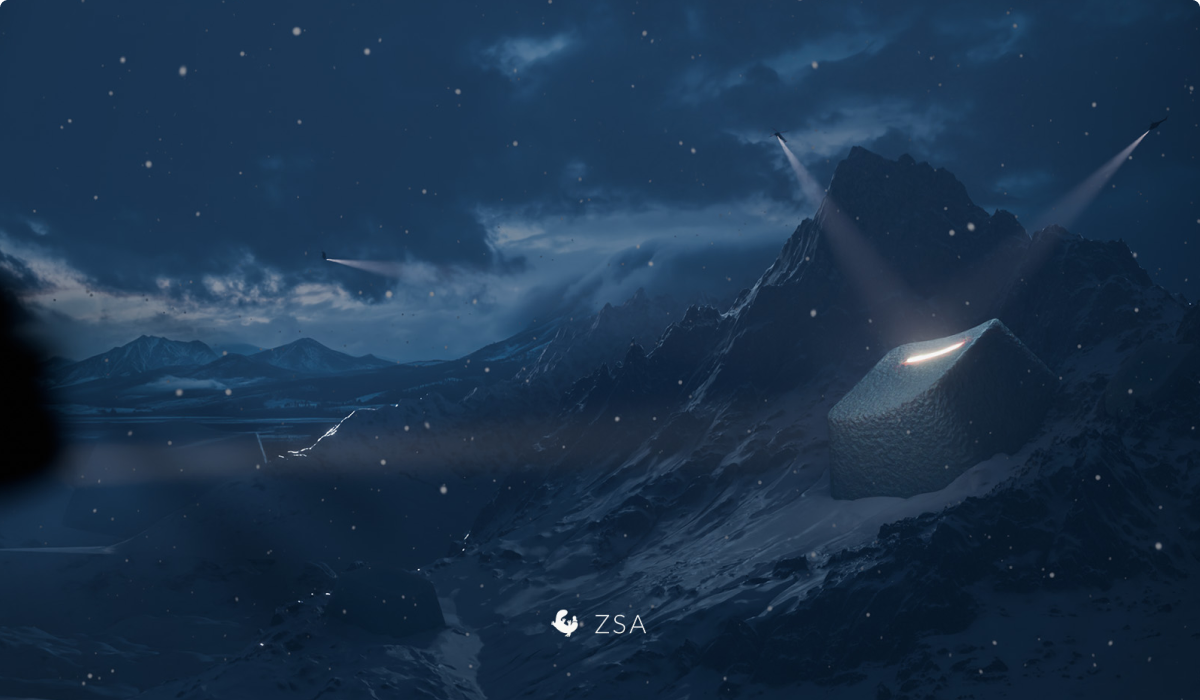
A keycap in the snow, from Steve. I love the texture and detail on this one — worth downloading even just to look at the highest-res desktop version. It's all a question of scale.

Thank you for reading!

Thank you for reading!

Art by me — winter is definitely here

© , ZSA Technology Labs Inc.
250 University Avenue, Suite #200, Toronto, ON, M5H 3E5