Introducing Mouse Jiggler and Double Click
The Ergo

Hi *|FNAME|*,

Welcome to the first issue of 2026! We've got some big plans for this year. For starters, though, here's last month's typ.ing Daily Challenge leaderboard:

  • First place: y6oxz43p at 105wpm and 98% accuracy (!) across 30 daily challenges
  • Runner up: Warren Sulcs at 121wpm and 95% accuracy across 25 daily challenges
  • Bronze: furstyferret at 103wpm and 95% accuracy across 27 daily challenges

Typ.ing has been growing well, with over 30,000 training sessions completed last month alone. Thank you for using it and for sharing it with your friends! We're also introducing a new training mode this month, for code. See below.

For Oryx, Robin wrote a new "Layout Buffet" post all about sticker mods, an alternative to home-row mods. And we've added two new keys, about which you can read below.

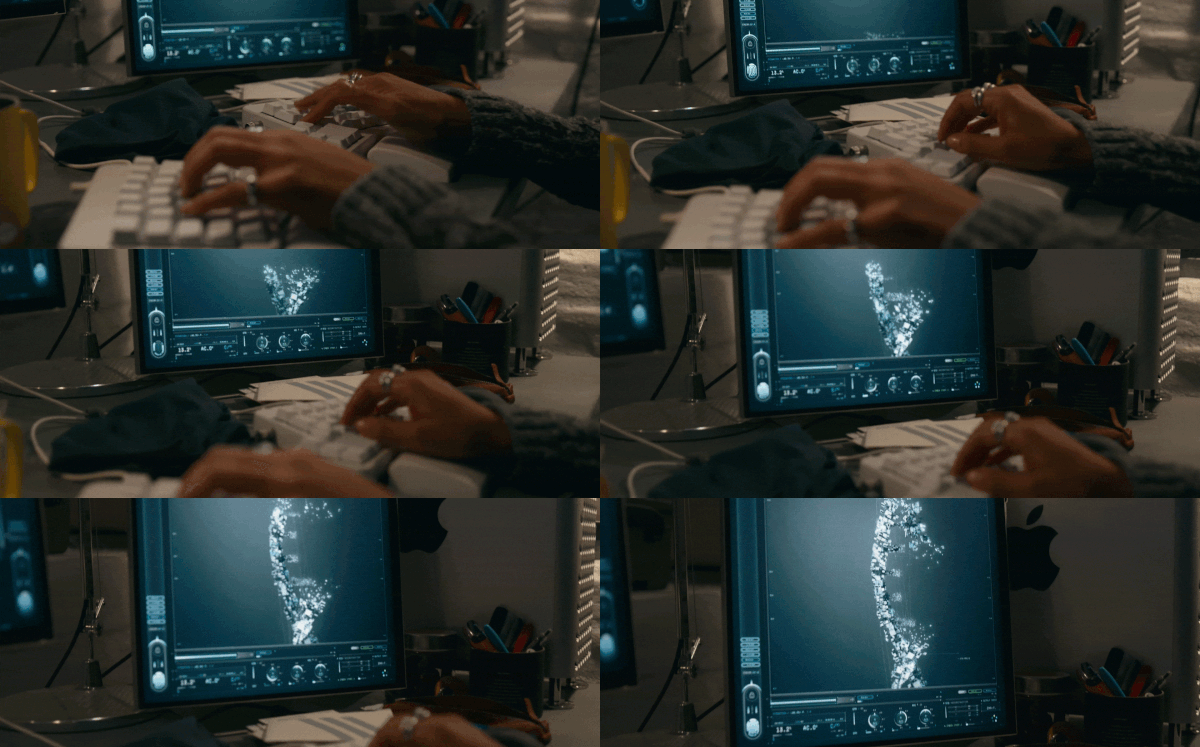
This month's interview is especially cinematic. I wish I could take photos like Jackson's, and what he shares about the film industry is quite interesting as well. And speaking of the movies, a few of you wrote in to share that you noticed the ErgoDox EZ was featured in the new Tron: Ares film. Well spotted! This is not a product placement. I've included a short clip at the end of the newsletter.

Out of all the links I shared below, my personal favorite is Green Chess. What a passion project, and it shows how you can take one key concept (chess) and spin it out into endless creativity.

Finally, I wrote a post about why I love walking with a heavy backpack.

As always, thank you so much for reading, and please feel free to reply and share your thoughts about the newsletter, typ.ing, the keyboards, or anything else. :)

All the best,
Erez
Code Mode comes to typ.ing

Code Mode comes to typ.ing

With syntax highlighting

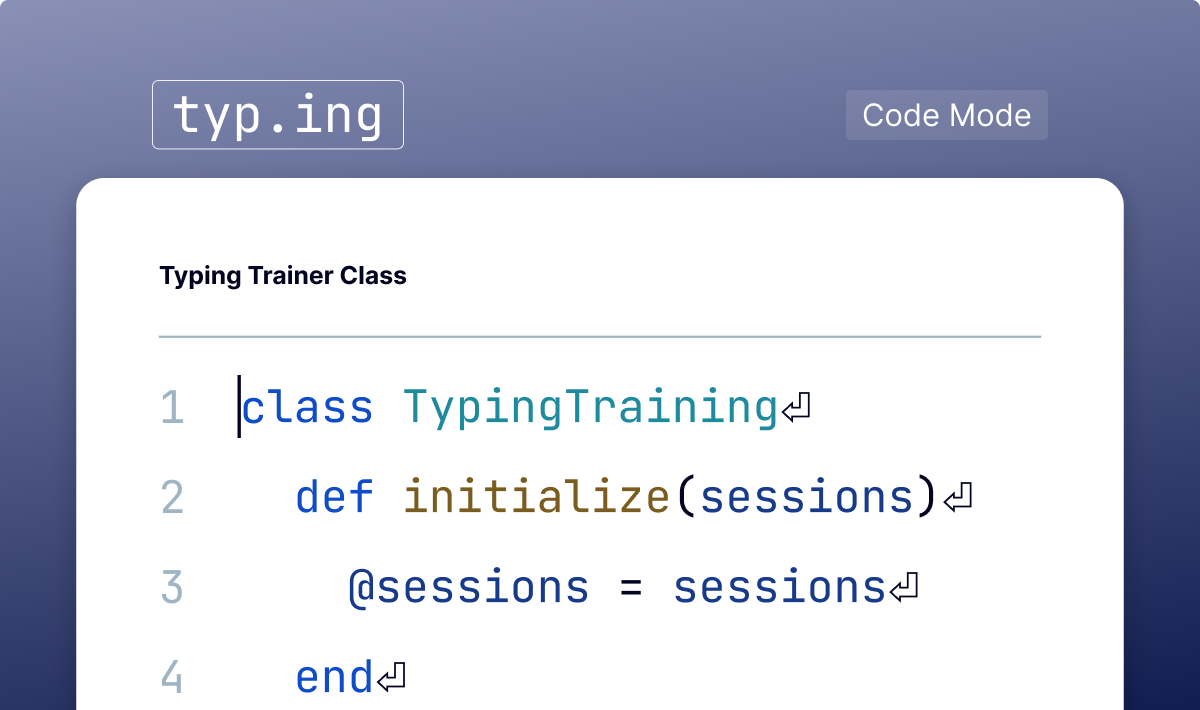
We've been steadily moving features from Oryx Live Training into typ.ing, and Code Mode is the last one to make the move. It supports Ruby, C, JS, and Python, offering several snippets in each language with lovely syntax highlighting. Many developers rely heavily on AI autocompletions (or code gen) these days, but if you still type a fair bit of code, this mode is for you.

Code Mode comes to typ.ing
 
Introducing Mouse Jiggler and Double Click

Introducing Mouse Jiggler and Double Click

A superhero duo or new Oryx features?

Toggle the Mouse Jiggler on, and your ZSA keyboard will move your mouse cursor just a tiny bit every few moments. This is enough to keep your computer awake. macOS users sometimes use an app called Caffeine, and this replaces that. When you don't need your computer to stay awake anymore, simply hit the Mouse Jiggler key on your keyboard again to stop it, and the computer will go to sleep as usual. And double click… you'll never guess what that one does.

Introducing Mouse Jiggler and Double Click
 
New printables for the Voyager

New printables for the Voyager

And for the Moonlander, too

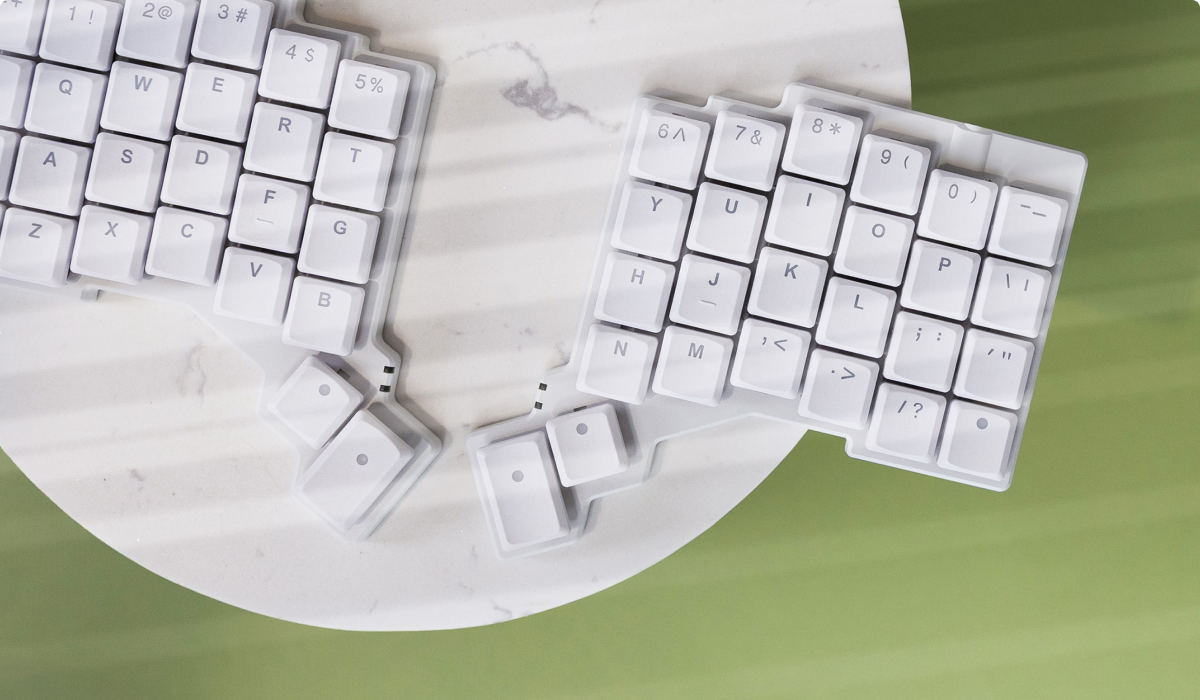
Did you know ZSA has one of the industry's biggest collections of free add-ons that you can 3D-print to customize your keyboard? We design our boards from the ground up for this sort of thing. From a wrist rest to a new trackball mount to a dock, it's all here. It's worth clicking through even just to look at Steve's gorgeous renders. There's a separate collection of Moonlander Printables, too, which is even bigger.

New printables for the Voyager
 

Featured User Interview

Jackson Hayes

VFX Artist & Dev
I don't even know where to begin with Jackson's interview. Even if you don't read a single word, you should click through to look at the photos. He says he almost became a cinematographer, and I can totally see why. If you're even a bit curious about how major CGI motion pictures are made, Jackson's interview and links are worth your time.
"When it comes to the keyboard, I’ve been using the Voyager for a little over a year and a half now, and it is my favorite keyboard I’ve ever used."
 
Layout of the month

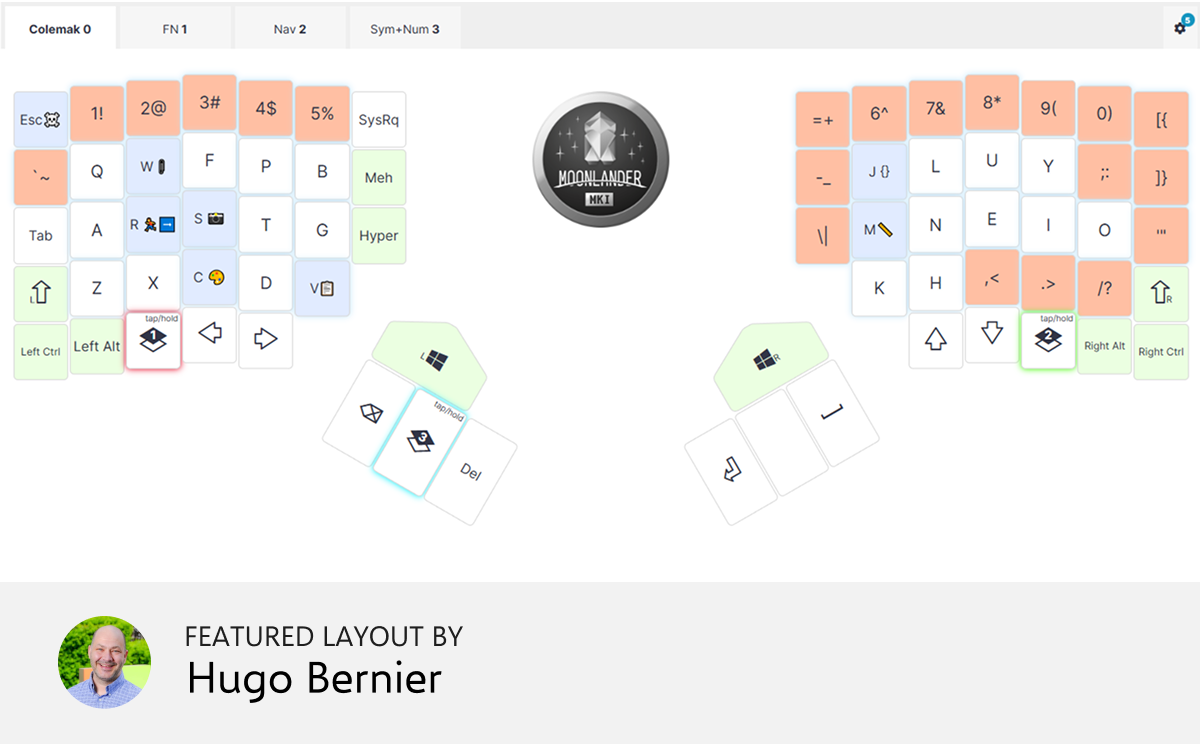
Colemak DH for Windows Dev

I travel a lot, and I switched to Colemak DH from Dvorak. It was hard to adapt, but – every time I travelled – I found it impossible to go back to the QWERTY layout on my laptop. Now, I can type happily whether I'm at home, or on the road.


Things we liked

Reuse your old LEGO® bricks to find and build new creations

The whole point of LEGO is how open-ended it is, and Rebrickable plays on that beautifully. With over 174,000 custom LEGO designs, you’ll find just about anything here. There’s a whole section for “alternate builds” that take a specific LEGO set and make it a different creation. Another section is a “part search” that lets you find which sets have the specific piece you’re after. This one goes deep.

 
Pachinko meets pinball

This is a web toy physics simulation where you release three balls, which then tumble through something that’s a cross between a pinball machine (with no paddles) and a pachinko machine. As the balls tumble down they hit bouncy circles (if you know the technical name for these in pinball, tell me), spinning paddles and a few other obstacles. One ball makes it down first. That’s the winner. You can label each ball with a choice you’re trying to make and use this like a fancy die.

 
A 100-step journey to learn C from first principles

Entirely free and sensibly structured, this book promises to take you through C top to bottom. You can download it as a PDF or EPUB, or simply read it online. There are no ads. It is terse and syntax highlighting is subtle (at first I thought there’s no syntax highlighting), but it still feels like an impressive endeavour. If you’ve got an interest in C, you might like this one.

 
Chess, reimagined

Want to play chess on an hexagonal board? Or maybe chess for three players? How about a chess where one of the pieces is a Nightrider, or a Grasshopper? Or chess where you get to move twice per turn? This site has all of these, and more. Fascinating, free, and ad-free.

 
It works when your connection doesn’t

“You’ve successfully gone offline,” begins this interesting (gimmicky?) mindfulness experience. You have to be online to first load this website, but you then only get to use it if you flip your phone into airplane mode. Then you get a reminder of the value of being bored. There’s choral music, too. Nicely done, and no ads.

 
Tip: We have a subscriber-only link archive with all of the links we shared over the years. Just for you. ❤️
contentText buttonText buttonCTASrc
Get wallpaper

Wallpaper of the month

It's the Voyager, art-directed and photographed by Jo. :) I particularly like the mobile versions of this one. So nice.

Thank you for reading!

Thank you for reading!

Art by Tron: Ares

© , ZSA Technology Labs Inc.
250 University Avenue, Suite #200, Toronto, ON, M5H 3E5