A typing game around your code, and twelve key questions
The Ergo

Hi *|FNAME|*,

Earlier this month I was taking a brisk walk in the snow and having a conversation in my head with someone shopping for a keyboard. Questions started coming up — things I wished this customer would consider. When I got back home I wrote them up, and they're linked below. If you have friends who are considering making the jump to a high-end keyboard, these might be helpful.

Typ.ing keeps going strong, and I am encouraged to see that even with all of the AI surrounding us, there's still plenty of typing going on. The top three on the daily challenge leaderboard for last month:

  • FlyingBoar, at 89 wpm and 98% accuracy (!) across all 31 challenges.
  • furstyferret, who's actually "secondyferret" this month, with 102.5wpm but "only" 94% accuracy across 29 challenges.
  • jonny5, at 121wpm and 96% accuracy across 26 challenges.

This month I wrote an ode to an open-source app that's been actively maintained for 20 years and I use to manage my library. You should own your own books, and that takes more than just clicking "Buy". I also quite enjoyed the featured interview — the way Andrew put together his bespoke desk makes me want to experiment with the same system for my own projects. I've been thinking about building a workstation around a stationary bike, so if any of you have advice to share on that idea, please reply with your thoughts.

It's hard for me to pick one favorite out of this month's links, so I'll go with two: the free console-based typing game and the ASCII art interactive article. The latter is one of those things where just scrolling through and playing around made me feel a little smarter.

As always, thank you for reading, and a special thanks to those of you who take a moment to reply. ❤️

All the best,
Erez
What to ask before buying a keyboard

What to ask before buying a keyboard

Twelve key questions

When considering a new keyboard, it's easy to get swept up in hype. Still, it's an investment. If I were in the market for a new board, I hope I'd be able to pause for a moment and ask these 12 important questions so I could feel good about what I'm buying even months or years down the road. Check them out, and please share with the people you know who could get something out of it.

What to ask before buying a keyboard
 
Layout Buffet: Layers

Layout Buffet: Layers

Some of the many ways to use one of the most powerful features in Oryx

If you've been using an advanced ergonomic keyboard for a while, layers may seem elementary. But everyone starts somewhere, and this latest post in Robin's Layout Buffet series is a better starting place than most. It includes the basics, but also more advanced tricks like hopping from a non-base layer to another layer. Useful.

Layout Buffet: Layers
 

Featured User Interview

Andrew Smith

Network Security Engineer
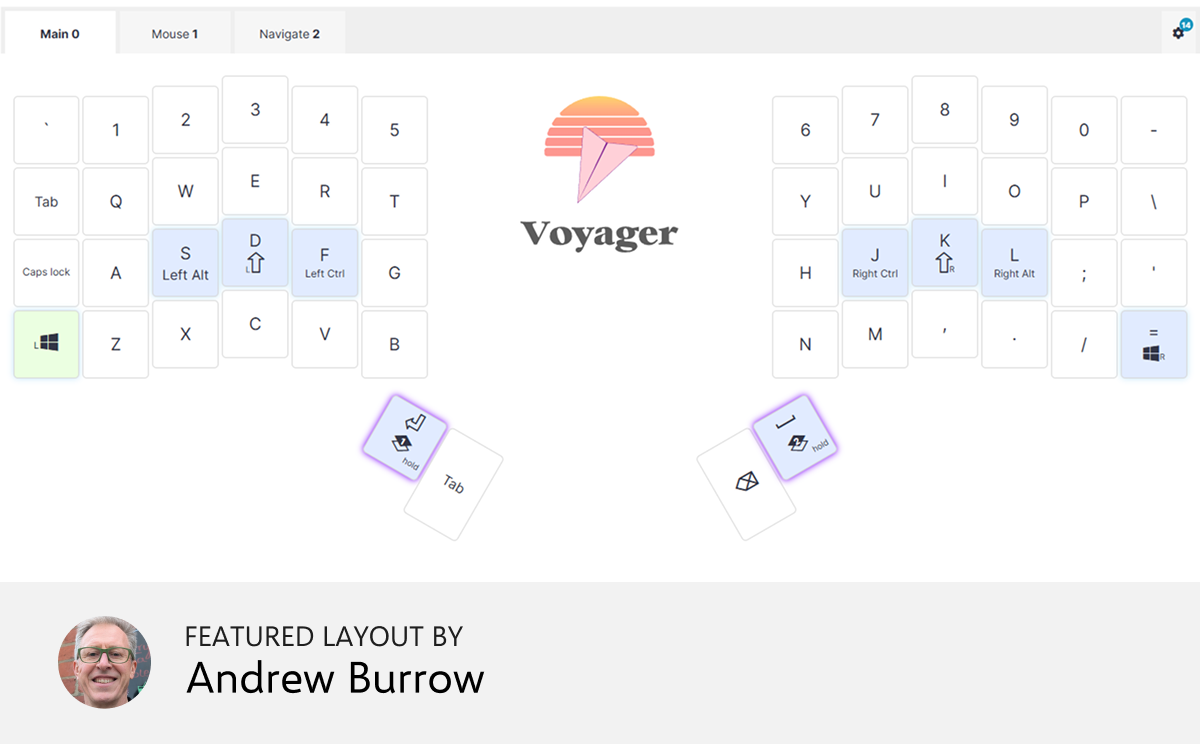
For every cyberattack that comes through, there are many thousands that are thwarted thanks to people like Andrew; his work defends hospital and clinics around the world. Also, his bespoke desk is worth learning from, and the sculpted keycaps on his Voyager are interesting, too. Lots to see here.
"T-slot is amazing. It’s like Erector Set for adults, but nonproprietary and with more options. This allowed me to experiment and iterate and tweak things until the desk fit me perfectly. Aluminum extrusions make it super easy to mount virtually everything, from monitors to keyboards to cup holders."
 
Layout of the month

QWERTY+HomeMods+Nav+Mse

This layout focuses on working with existing muscle memory, and enabling a keyboard-and-mouse workflow for working with drawing programs and word processors. It preserves the QWERTY layout, and uses WASD and Vim movement bindings on the layers. There are only 2 additional layers. Each largely controls the keyboard half opposite the layer modifier, so that touch-typing is preserved.


Things we liked

Welcome to the world of tessellation art

This one is so trippy. It's an interactive art gallery that showcases works where all elements tile seamlessly with set rotations. It lets you look at the inner workings of each piece — you can interactively step through its creation, so you can really get a sense for how the symmetry works. You can also create your own piece. This link goes directly to a piece by Dominique Ribault titled "Zebras". It is so, so good. I never knew zebras could tesselate.

 
A CLI code-typing game that turns your source code into typing challenges

If you enjoy tools that are purely local, free, and terminal-based, this typing trainer/game may be for you. It’s aimed squarely at developers, and has you type code from any one of your own projects. There’s an irony there, because these days it’s entirely possible no human actually ever typed that code to begin with. Well, now you get to.

 
A deep dive into ASCII rendering

This is one of those technical blog posts with lots of interactive demos sprinkled in, as well as code. I started scrolling casually, as one does, and found myself immersed. I grew up with ASCII art in BBSes and such, and Alex Harri Jónsson’s thoughtful approach to this artform is inspiring (not to mention the quality of the results). It takes a moment to load but is worth it.

 
Procedural Tree Generator

In EZ-Tree (no relation) you find yourself in a meadow, facing a tree. If your audio is on, you’ll hear birds chirping. We’re here for the tree, though, not the birds. The panel along the side lets you configure every conceivable aspect of this tree, from the bark to the angle and number of branches to the type of leaves. You can also move the sun, and add a trellis that will pull the tree in a certain direction. It’s amazing, especially if it’s winter where you are.

 
No ads or post-sale scams

If you’ve tried generating a QR code online, chances are you’ve come across more than one generator that tries to charge you money at the very end, or is full of ads. This is the one you want instead. It runs entirely in your browser and simply makes a QR code containing arbitrary text or a URL. One to bookmark.

 
Tip: We have a subscriber-only link archive with all of the links we shared over the years. Just for you. ❤️
contentText buttonText buttonCTASrc
Get wallpaper

Wallpaper of the month

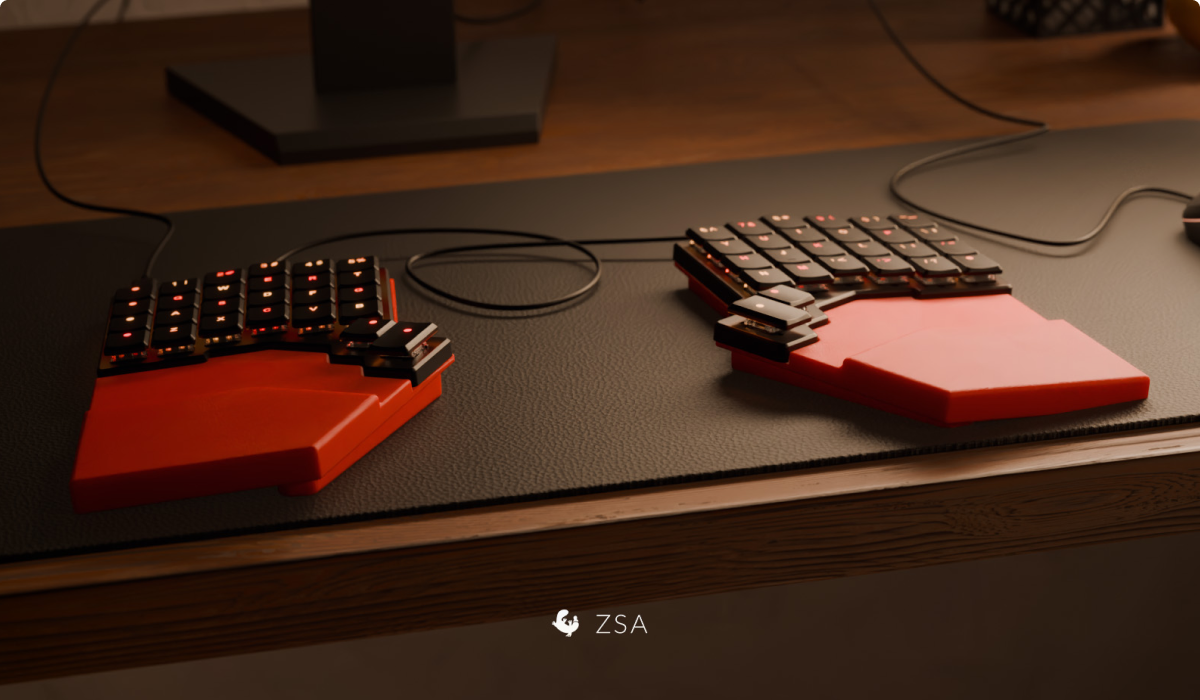
This month's wallpaper is a render from Steve beautifully showcasing Alexander's printable for the Voyager, which is a wrist rest with optional tenting. It's magnetic!

Thank you for reading!

Thank you for reading!

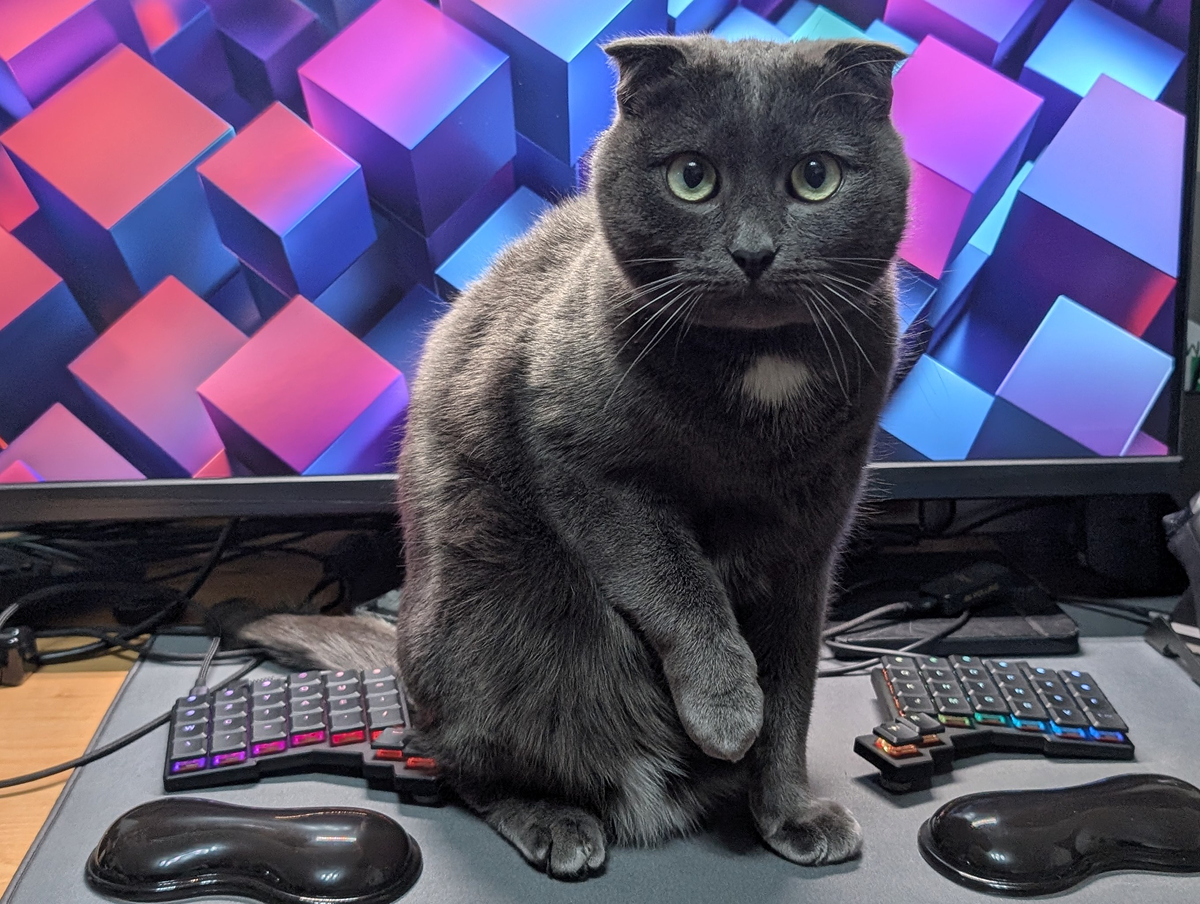
Art by Kristian and Alia. "This is Ivy. He is not allowed on the desk."

© , ZSA Technology Labs Inc.
250 University Avenue, Suite #200, Toronto, ON, M5H 3E5