Have more fun typing code
The Ergo

Hi *|FNAME|*,

Is it weird that near the end of July I feel like winter is almost here? But it makes me appreciate summer all the more while it lasts.

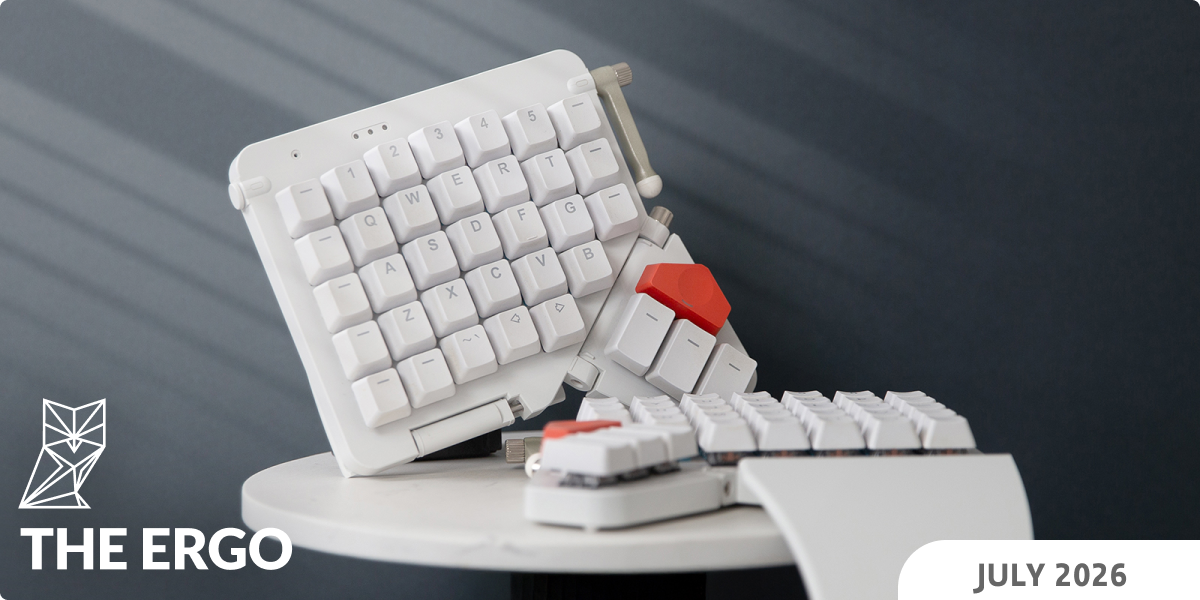
This month I wrote a love letter to an incredible dexterity game that's basically snooker on a Lazy Susan. I wrote that love letter on my Voyager using a set of 3D-printed keycaps, which you can see below. I've been daily-driving these keycaps ever since we finished working on them.

In other news, we released an all-new Code Mode for typ.ing. The announcement is below, but you should click through and try it out for yourself, especially if you've got an account. Also new on typ.ing are several books, including some Sherlock! Conan Doyle joins Agatha Christie, beefing up our mystery/detective library.

My favorite link below is Line & Form. It's such a great piece of free software for creating vector art; I've used it a bunch and even spoken to its creator a few times. Made with care and offered for free.

As always, thank you for reading, and please do reply and tell me which link you liked best and if you have any feedback on the keycaps or typ.ing.

All the best,
Erez
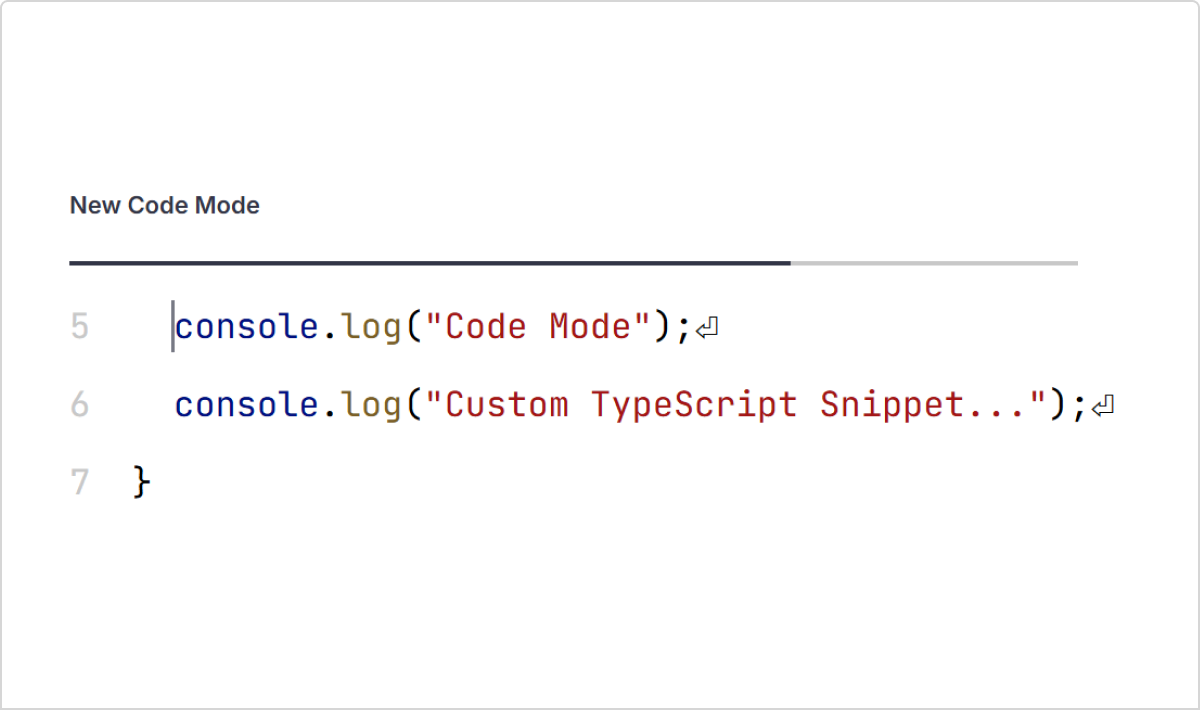
Check out the new Code Mode in typ.ing

Check out the new Code Mode in typ.ing

We made it so much better

Code Mode in typ.ing now supports syntax highlighting for six popular programming languages. You can also now save custom snippets to train on your own projects, or for more general practice, you can train on a new selection of default snippets specific to each language.

Check out the new Code Mode in typ.ing
 
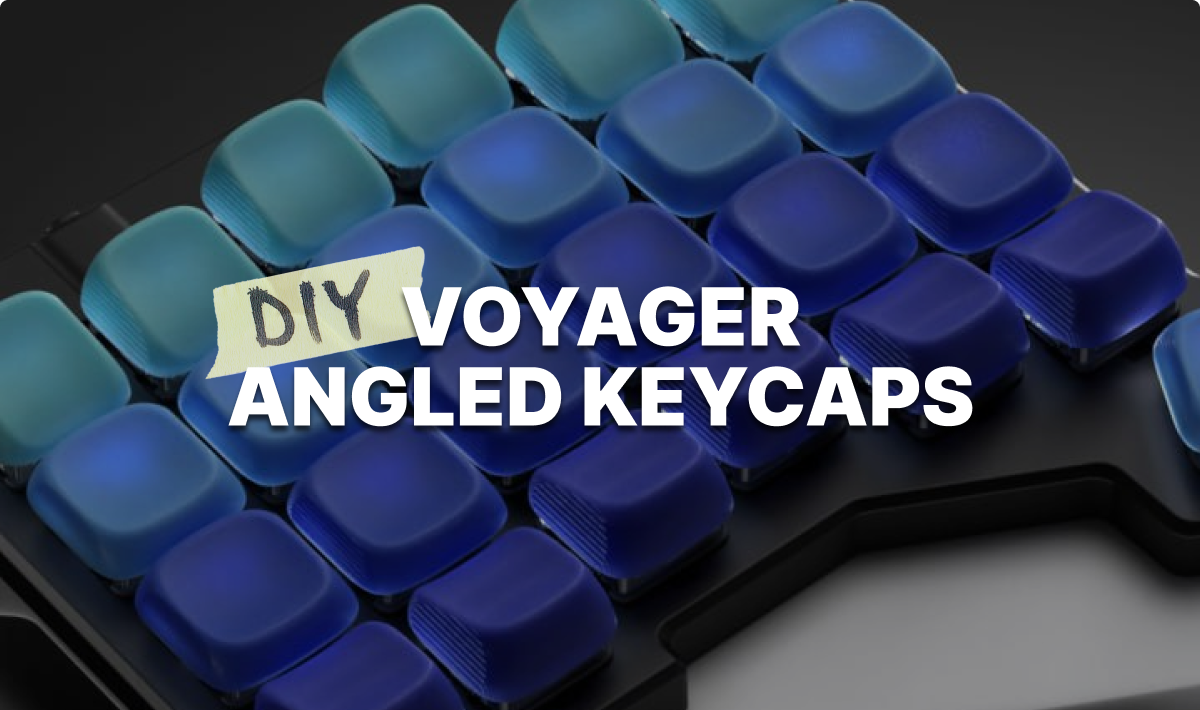
Introducing KLP Lamé keycaps for the Voyager

Introducing KLP Lamé keycaps for the Voyager

Great keycaps made easy to print at home

I found these curvey keycaps by braindefender on GitHub and thought they would look great on the Voyager. The only problem was that they were difficult to print. Fortunately, the license allowed us to modify them and release them back to the world for free, and that's just what we did. They now print wonderfully and I've been using them for weeks. So fun.

Introducing KLP Lamé keycaps for the Voyager
 

Featured User Interview

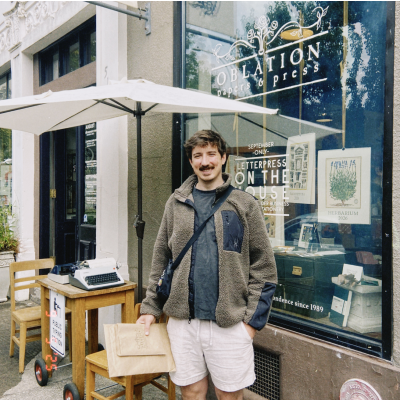
Ben Woletz

Senior Product Manager
Ben is one of those multi-talented people I could listen to for hours. I enjoyed how he described the learning curve involved in switching to the Moonlander and Colemak at the same time, but I think my favorite were all of the recommendations he shared at the end for things to watch, read, play, eat, and even some great places to visit.
"Outside of work, I play and design video games. There’s a surprising amount of skill overlap between Product Management and Game Development. You have to come up with something worth playing, anticipate what might be hard about building it, write the code & arrange the moving parts, then have people play it and see how it lands."
 
Layout of the month

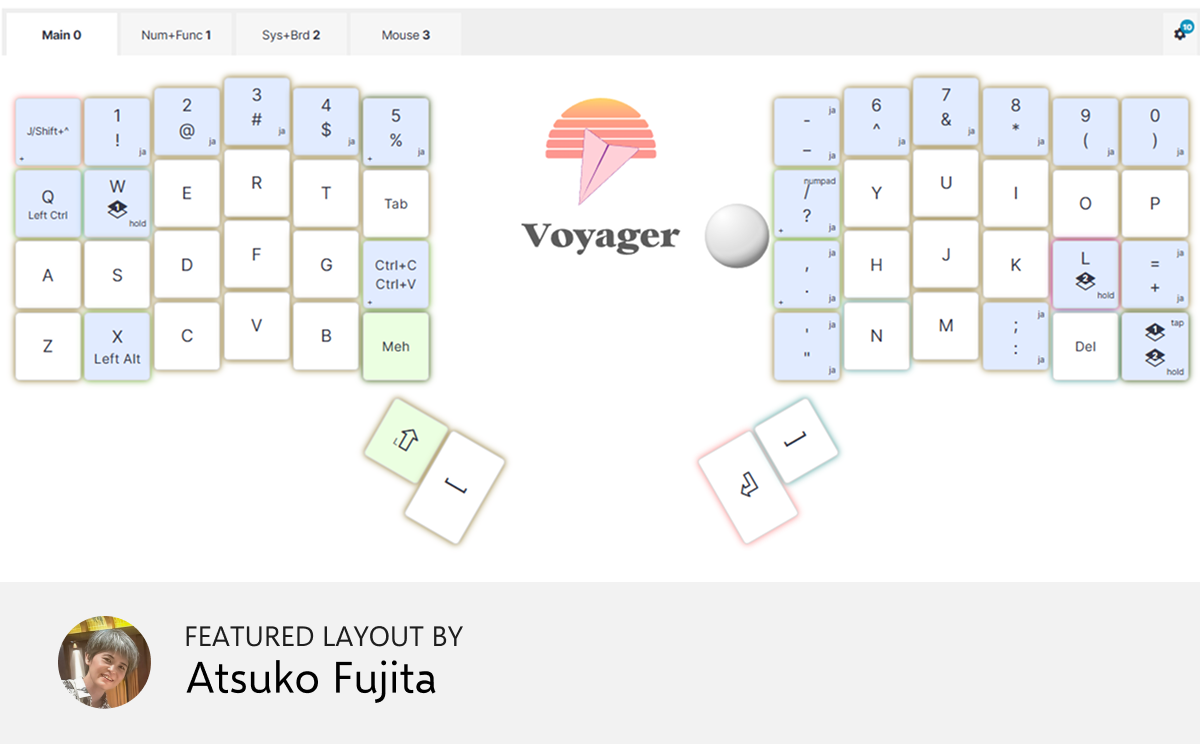
ATOK AF_layout

This layout is built around minimizing finger travel and reducing pinky strain, while integrating Japanese input (ATOK), automation, and full system control directly into the keyboard. The goal is to keep everyday typing simple, while making advanced functions immediately accessible when needed.


New on typ.ing this month

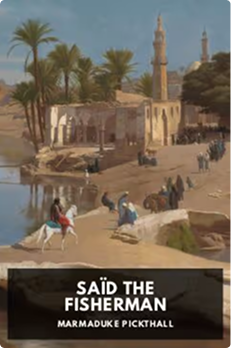
The Sign of the Four

This is the second book to ever feature Sherlock Holmes and Dr. Watson. It refers to the first book at the start, but it works standalone, too. There is a "one-legged ruffian".

And also...
 

Things we liked

by Applied Craft, aka Tim Golnik

This is extremely niche and extremely cool. It’s a new kind of vector graphics editor, free and entirely Web-based. It’s aimed squarely at people making art with a pen plotter (if you’re one of us, be my friend). That said, anyone with a casual interest in graphics can have lots of fun with this. You can create all sorts of crazy shapes and then apply modifiers like a “lens” effect or a “swirl”. Try it out from a computer. There’s a nice gallery showing what’s possible.

 
A system cleaner for macOS

I knew there had to be something better than CleanMyMac out there. Mole is really two apps: a free CLI (which is great and is the one I’m linking to) and a one-time paid GUI. It helps you uninstall stuff you don’t need, find where your disk space is going to, monitor your resource usage, and more. Useful and nicely done. I freed up tens of gigs using the CLI version.

 
GeoGuessr but tastier

Look at a picture of a dish, read its ingredients and description, then guess where it’s from. Because this is really hard, you get five guesses per dish. Each guess also gives you a “Hot/Cold” clue to tell you how far off you were — though all of mine were decidedly cold (except for one, which I nailed!). After your second mistake it reveals the dish’s name, which can be a good clue, but often isn’t as helpful as you’d think. Don’t play this while hungry.

 
So much art

The Last Museum is the largest search engine for museum art. It uses semantic search, allowing you to search for artworks by theme, style, subject, vibes, or any description you can imagine. These are five million (!) works of art, all searchable. There’s also a date filter, but it didn’t work all that reliably for me.

 
Run old EXEs directly in your browser

RetroTick is an x86 virtual machine and Windows/DOS API compatibility layer built from scratch in TypeScript. It parses PE (Win32), NE (Win16), and MZ (DOS) binaries, executes x86 machine code instruction by instruction, and reimplements a subset of the Win32, Win16, and DOS API surface, enough to boot several .exe files from the classic Windows era and render their GUIs in the browser. Basically, the old Solitaire in its full glory right in your browser, no download or install needed. Free and open source.

 
Tip: We have a subscriber-only link archive with all of the links we shared over the years. Just for you. ❤️
contentText buttonText buttonCTASrc
Get wallpaper

Wallpaper of the month

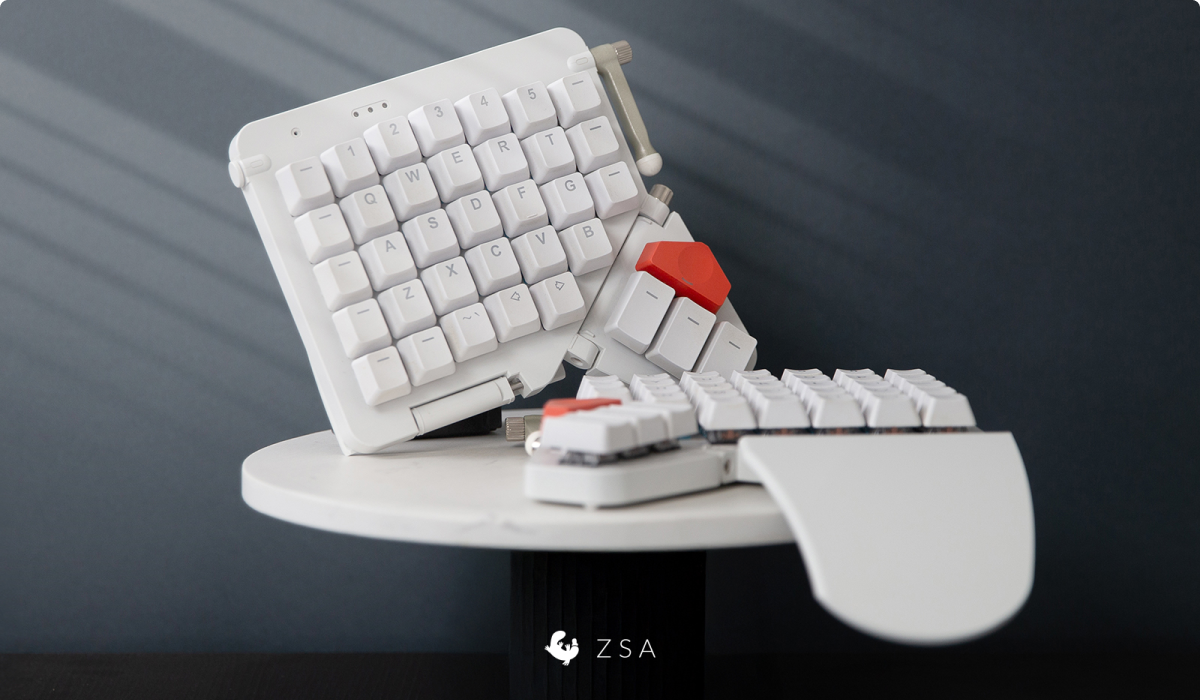
This is another one of Jo's keyboard beauty shots, this time featuring the Moonlander. I may be biased but look at that keyboard.

Thank you for reading!

Thank you for reading!

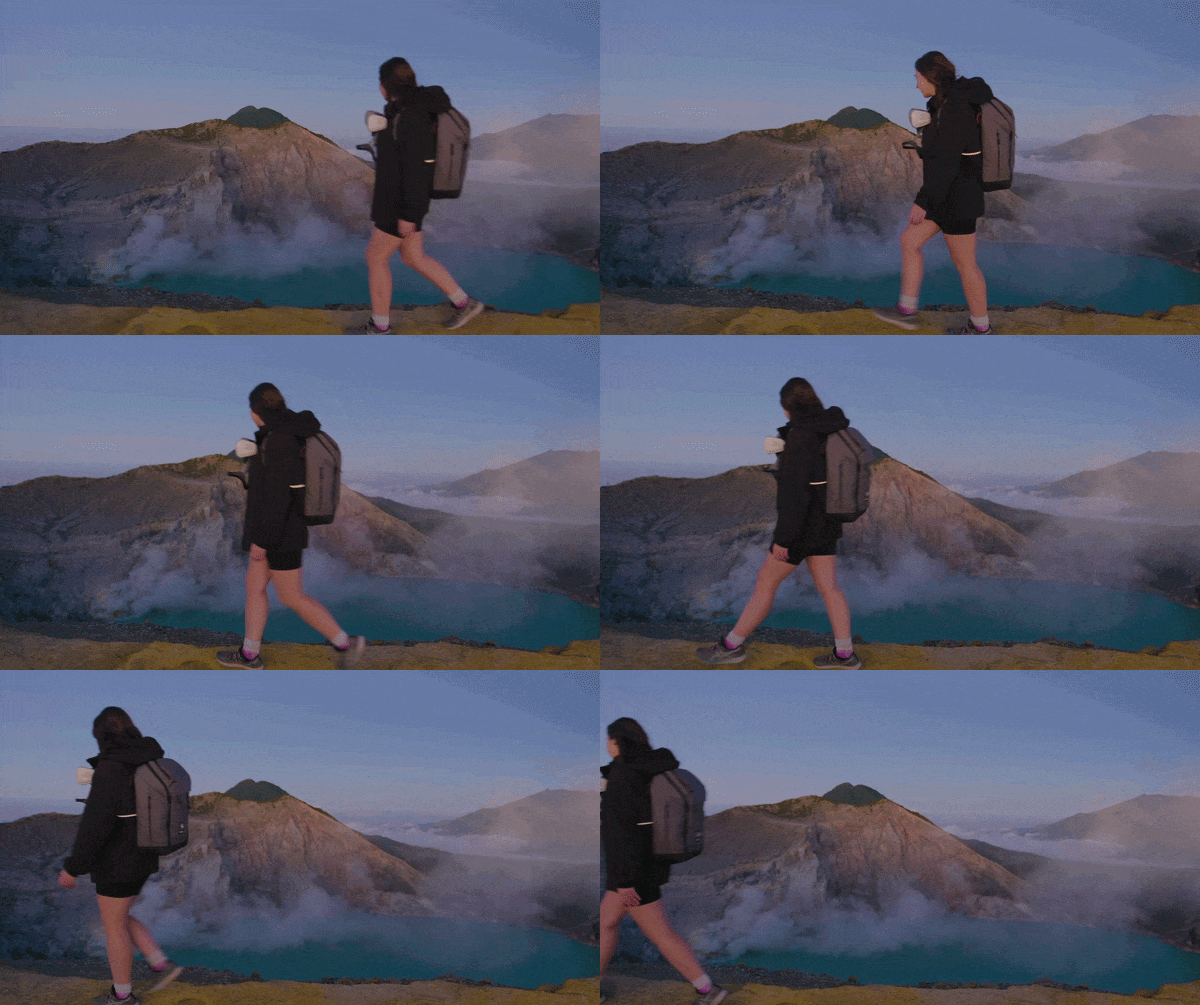
Art by Jo Williams (casually strolling by an active volcano)

© , ZSA Technology Labs Inc.
250 University Avenue, Suite #200, Toronto, ON, M5H 3E5