Introducing Dual Navigator Support
The Ergo

Hi *|FNAME|*,

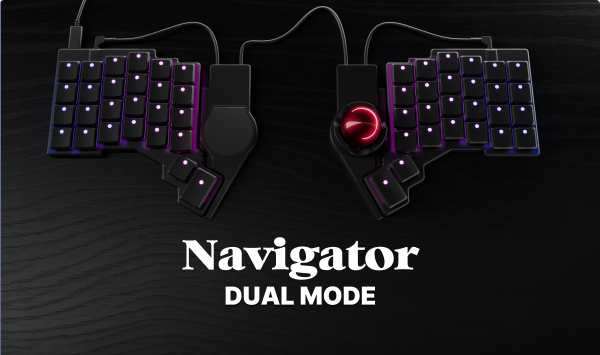
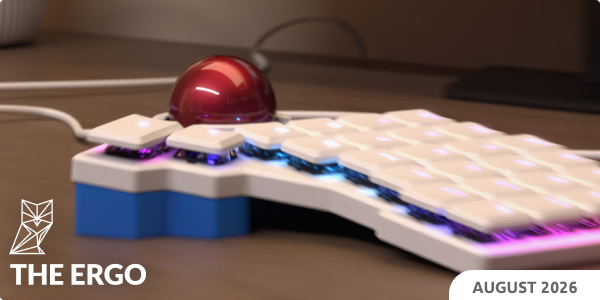
You can now use two Navigator pointing devices with your Voyager or Moonlander! Plug in a trackball and a trackpad, and both work. Details below.

Also, this being back-to-school season, I wrote a ZSA Loves post all about refillable felt-tip pens. These are surprisingly great and versatile, and I've been working on my own 3D-printed version.

The most useful "external link" I share this month is Supercharge. I use it every day. If you know of similarly useful tools, please reply and tell me, I'm always looking for those.

As always, thank you for reading, and I wish you a lovely September!

All the best,
Erez
Introducing Dual Navigator Support

Introducing Dual Navigator Support

What's better than one Navigator?

I am so happy we finally get to release this! Supporting two Navigators on one keyboard has been high on many people's wishlists, and we were able to get it done. This was not trivial.

Introducing Dual Navigator Support
 

Featured User Interview

Salvador Jimenez

Software Engineer
If you enjoy a good cup of coffee paired with some good audio, this interview is for you. Salvador has useful recommendations on both types of gear, and the coffee photos don't hurt either.
"My current audio setup is a Klipsch Promedia Heritage 2.1 120W. I love the subwoofer sound and the powerful bass that it gives to my favorite genres of music. I’m in love with Jazz, especially in the mornings when I’m working for the first couple of hours, and the house is all silent, you can hear only the wind whizzing through the branches of the big tree that is in the middle of my house, right next to the pool, and the water bouncing."
 
Layout of the month

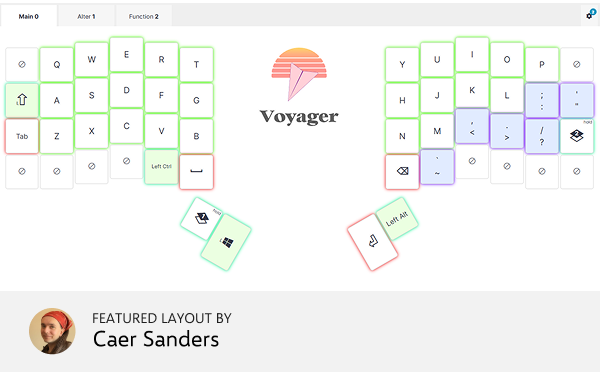
Bon Bon

Bon Bon is inspired loosely by the original ZSA Planck EZ layout, with some key (ha-ha) changes to make it more ergonomic on the split and staggered Voyager. It features a shifted layout, with only two heavily-used layers (the third is for function-related keys). This layout is optimized for smaller hands, while adapting well to a mix of writing, coding, and playing games.


New on typ.ing this month

The Odyssey

So this is that book about Matt Damon, apparently. The translation used by Standard Ebooks is by William Cullen Bryant, created long before Emily Wilson's more modern take. The language is slightly archaic but still quite readable. Lots of short lines.

And also...
 

Things we liked

PowerTools for macOS

Describing an app as a Swiss-army knife is such a cliché, so I won’t. I will say this app is more powerful than a spork. It lets you tweak your macOS experience in so many useful little ways, like being able to finally quit apps from Mission Control view, or have apps quit when you close the last window (yes, Windows users, macOS doesn’t do that by default). So handy.

 
Tracking the brands that got worse on purpose and the ones that didn't

The Brand Ledger tracks 330 brands, from the tools in your garage to the pans in your kitchen. Who owns them, what they used to be, whether they're still worth buying. Updated as things change. Ranks companies as Approved, Watchlist, Former Great, and Avoid. Also explains exactly why for each.

 
Five-in-a-row with a twist

Make a row of five of your turtles to win. Capture the other player’s turtles by putting yours around two of theirs. So far it’s just like Pente (a great abstract strategy game). The twist is that in What The Shell you play at the same time as the other player. Available for both iOS and Android, free.

 
A 3D music sequencer in your browser

This is one of the more interesting "music toys" I’ve seen. It’s a voxel-based sequencer. In other words, you’re looking at a volume of space, and there are a bunch of blocks hovering next to each other. Each block makes a sound, and you can move them around, replace them, and more. Or, if you’re like me, you can just choose the built-in Clocks (Coldplay) demo and marvel at the pretty lights and sounds. Impressive.

 
Click the line

A very simple browser game. There’s a line with a bottom value and a top value (say, 0 and 150), and you need to click on the line wherever you think a target value (say, 83) falls. You then see how you did, and get to try again with a new set of numbers. A very fast feedback loop, free, no music or ads. I recommend trying this out on a computer, not a phone. My best was just 4% off, which I’m quite happy with. What’s yours?

 
Tip: We have a subscriber-only link archive with all of the links we shared over the years. Just for you. ❤️
contentText buttonText buttonCTASrc
Get wallpaper

Wallpaper of the month

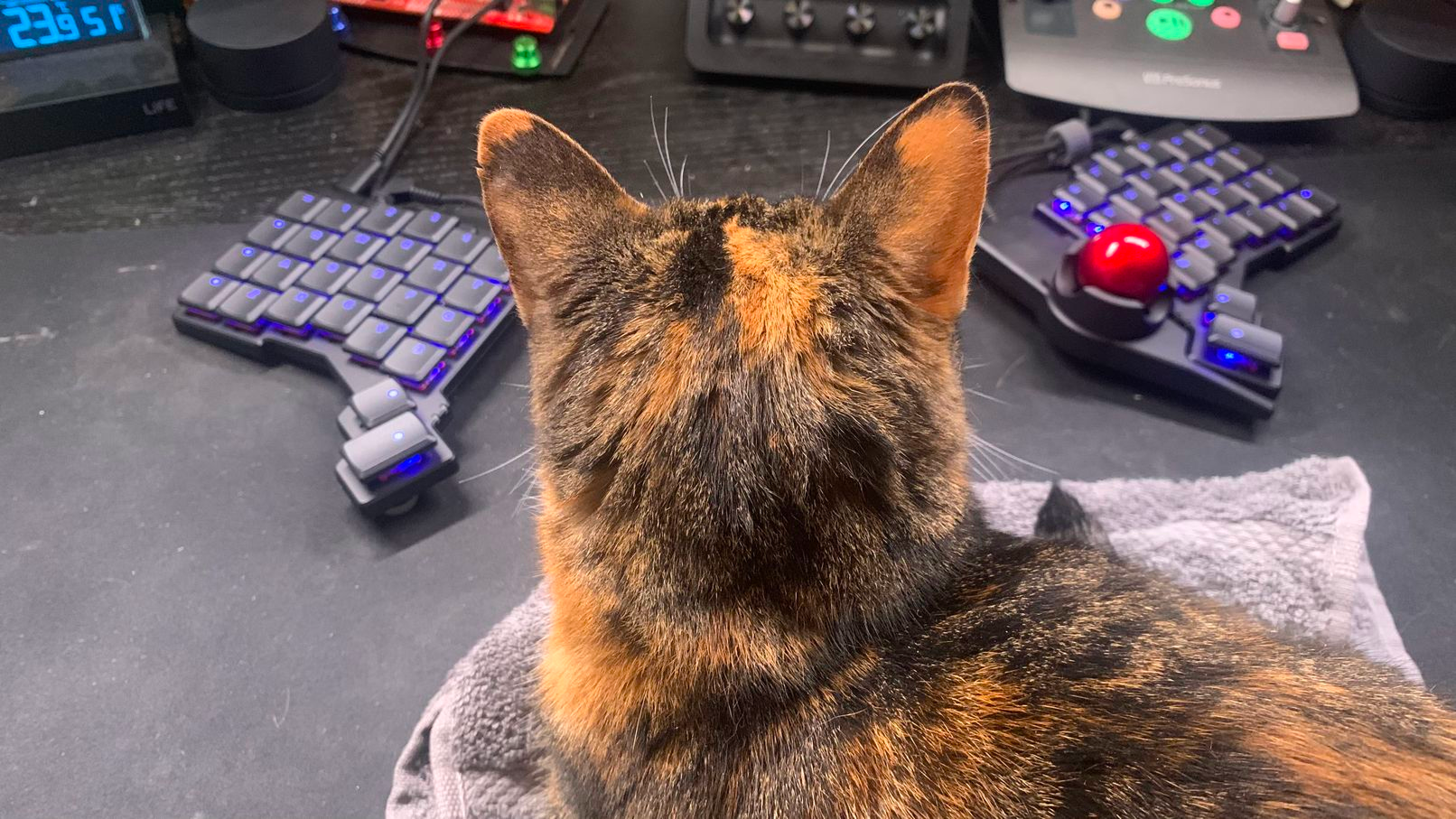
It's the Navigator trackball!

Thank you for reading!

Thank you for reading!

Art by Blake Turner and Demi the cat

© , ZSA Technology Labs Inc.
250 University Avenue, Suite #200, Toronto, ON, M5H 3E5